Fully functional free trials
Fully functional free trials
Our free trials allow you to test all the elements of the software with the exception of performing some export functions, saving the toolpaths and using gadgets.
Choose the fully functional free trial that suits your needs
For macOS
New for Mac

Native macOS CAD/CAM software for CNC beginners that includes v-carving and hybrid laser toolpaths.
For Windows
Core Windows Products

Vector drawing and editing with powerful 2D machining strategies for CNC routing, milling or engraving.

All 2D tools with the addition of 2.5D toolpaths including (v-carving, chamfer, moulding and more) plus importing and machining a 3D model.

Bringing together all of the 2D & 2.5D tools with the addition of importing and creating your own 3D relief models and 3D machining strategies.
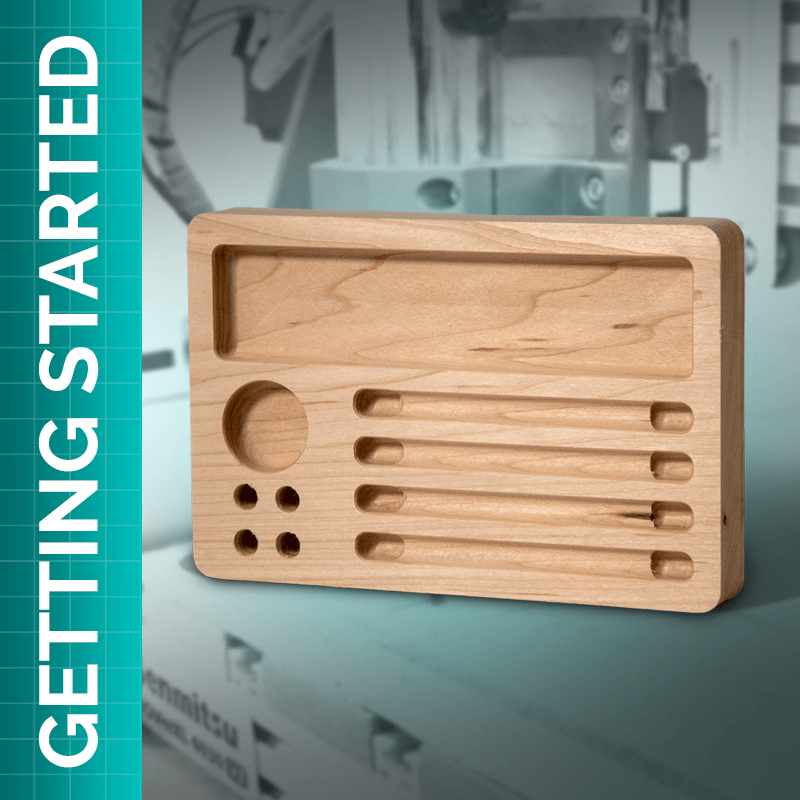
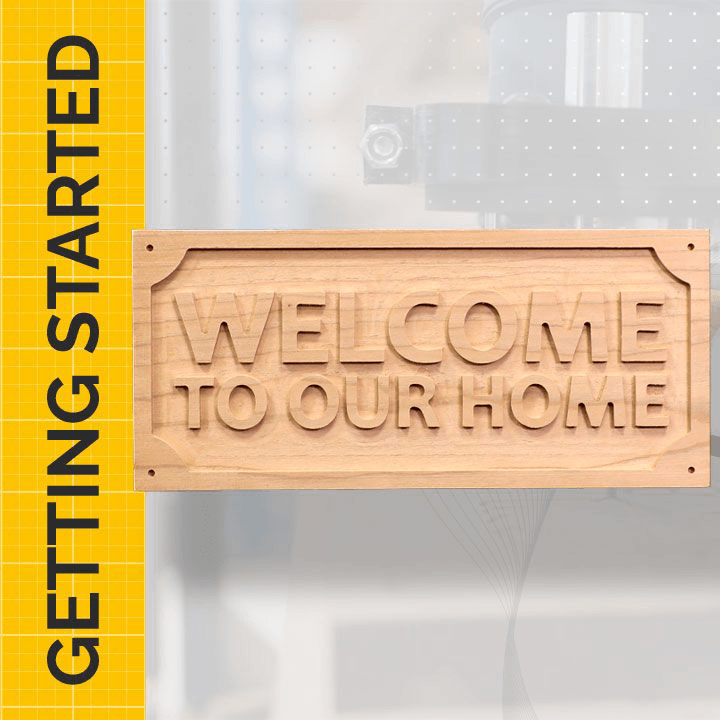
Get started with our quick and easy to follow along free projects
Each tutorial comes with the free trial compatible project file so that you can test cut it on your CNC machine!

Install the software

Watch and learn with project videos and files

Ensure settings are safe for your machine
You're ready to cut on your machine
Important
For test cutting, use one of our free trial compatible projects. The free trial does not allow you to cut files you have created.
Files created during the trial can be saved and unlocked after purchasing the full version. To unlock them, open them in the full version on the same device where they were created. Once opened, they can be used normally.