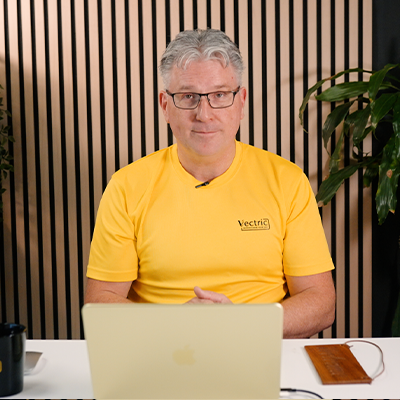
Our getting started videos have been designed to get you up and running in the software quickly and easily. Each video will take you through designing and toolpathing your project in the software as well as how to machine take the toolpaths you created to your machine and cut them on your CNC. This project is compatible with our free trial software, giving you the chance to check your completely happy with how Vectric files cut on your machine before you buy.
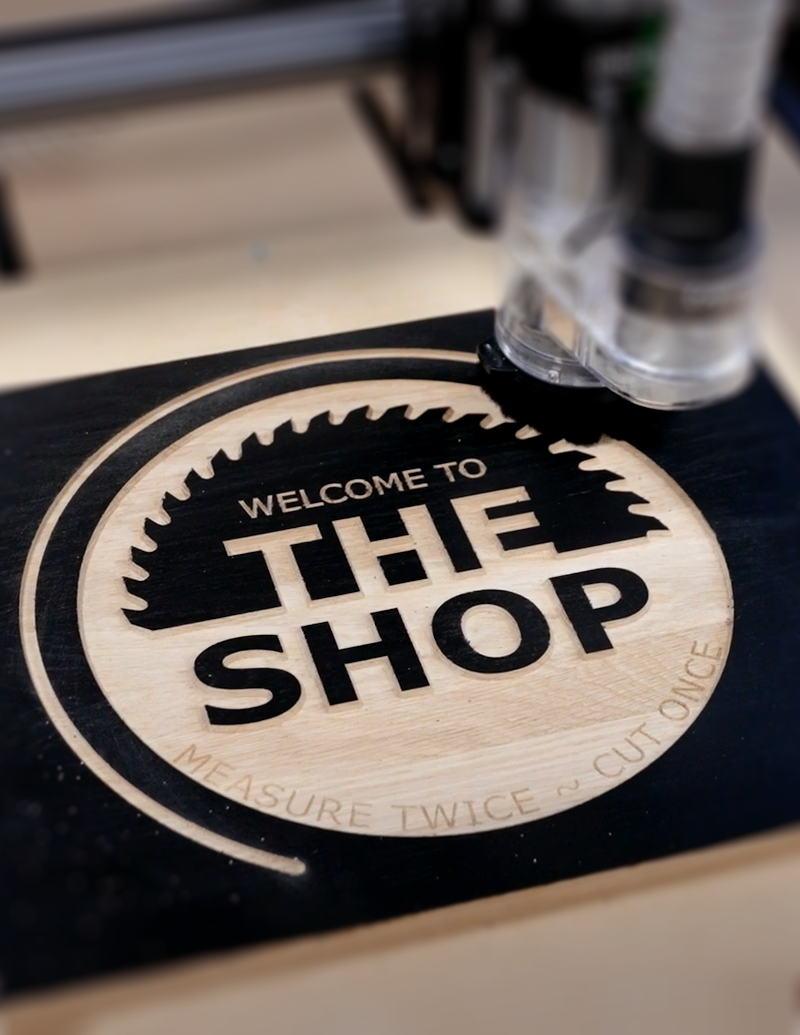
This video tutorial will walk you through making a very simple shop sign, building on what you have learnt so far in this Getting Started Video series for Vectric Spark. While creating your shop sign, we will show you how to use more of the options in the VCarve toolpath, how to trace a bitmap to get a simple outline, edit that outline, merge in some text and more.

Suitable for version 1 or greater
Please access this page on a desktop computer to download the files

Vectric Ltd
Precision House
2 Arden Road
Alcester
B49 6HN
Registered in England Number 05382596
VAT Registration GB115123072
Privacy Policy |
Cookie Policy |
Terms and Conditions



