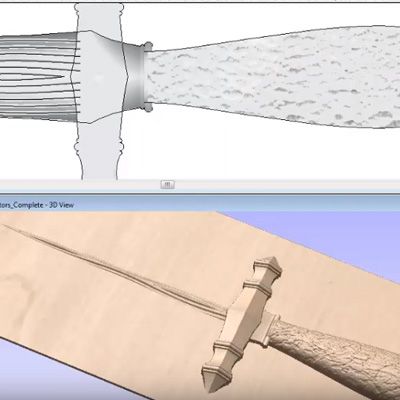
This tip and trick was included at the User Group Meeting in 2016 held in the UK (Vectric Headquarters, Alcester, Warwickshire) and US ( Orlando, Florida).
Using the vectors created in the ‘Vector Creation’ video, a complete 3D model will be produced using a range of Aspire modeling commands including the application of textures. We will also consider how to modify the model for strength when machining the tapered edges of the blade.



Suitable for version 8 or greater
Login to V&Co to download the files
LoginPlease access this page on a desktop computer to download the files

Vectric Ltd
Precision House
2 Arden Road
Alcester
B49 6HN
Registered in England Number 05382596
VAT Registration GB115123072
Privacy Policy |
Cookie Policy |
Terms and Conditions



