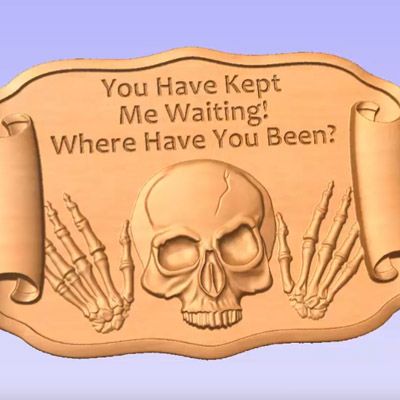
This tip and trick was included at the User Group Meeting in 2015 held in the UK (Wootton Wawen, Warwickshire) and US ( Las Vegas, Nevada).
Every project comes with a selection of themed models that have been professionally created to work well together. This video will show you how to take models from one CNC project and create a layout, add VCarving and then create basic tooling.



Suitable for version 8 or greater
Login to V&Co to download the files
LoginPlease access this page on a desktop computer to download the files

Vectric Ltd
Precision House
2 Arden Road
Alcester
B49 6HN
Registered in England Number 05382596
VAT Registration GB115123072
Privacy Policy |
Cookie Policy |
Terms and Conditions



